How to Choose a TV Size for Your Room: The 2026 Buying Guide
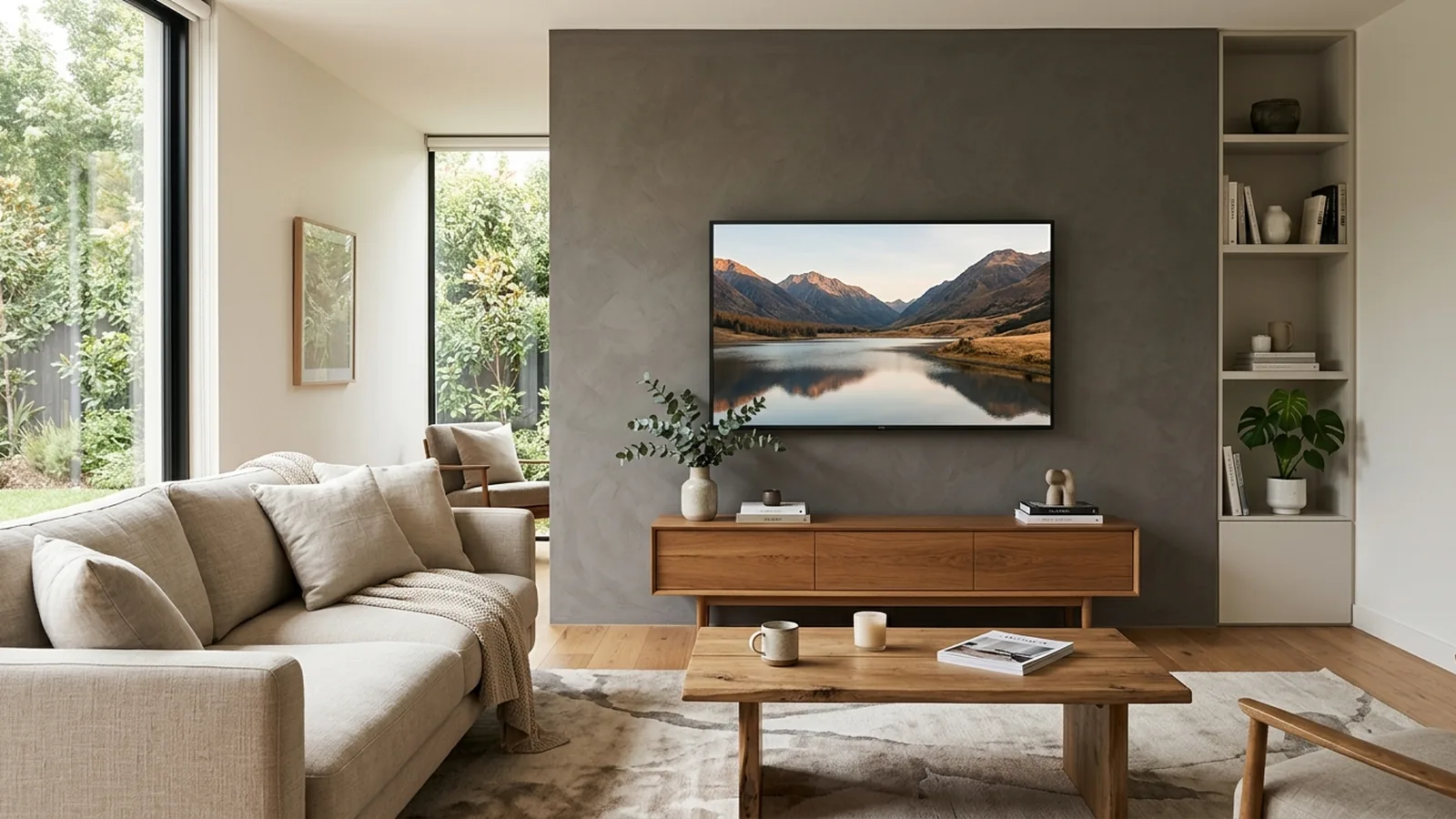
The #1 mistake people make buying a TV is buying by price instead of by room. A $2,000 TV that is the wrong size for your living room will look worse than a $900 TV that fits.
This TV buying guide is the neutral, in-order checklist we wish every customer had before they called us to mount their new TV. Follow it and you will pick right the first time.
Sizing Your TV to the Room
Measure the distance from your primary seating position to the wall where the TV will hang. That number decides everything else.
| Screen size | Ideal viewing distance | Best for |
|---|---|---|
| 55" | 7 to 9 feet | Bedroom or apartment |
| 65" | 8 to 11 feet | Standard living room |
| 75" | 9 to 13 feet | Large living room |
| 85" | 10 to 15 feet | Great room / open concept |
| 98" | 12 to 18 feet | Dedicated media room |
A larger screen fills more of your vision, which is what you actually want. Almost nobody who buys a bigger TV wishes they had bought smaller. If you are torn between two sizes, size up.
Panel Types Explained Without Jargon
- LED (or LCD): cheapest, brightest for daylight rooms with big windows. Good for kitchens, bedrooms, and sunny rooms.
- QLED: still LED at heart but with a color-boosting layer. Bright and vivid. Great for a family living room that runs sports and cartoons in the daytime.
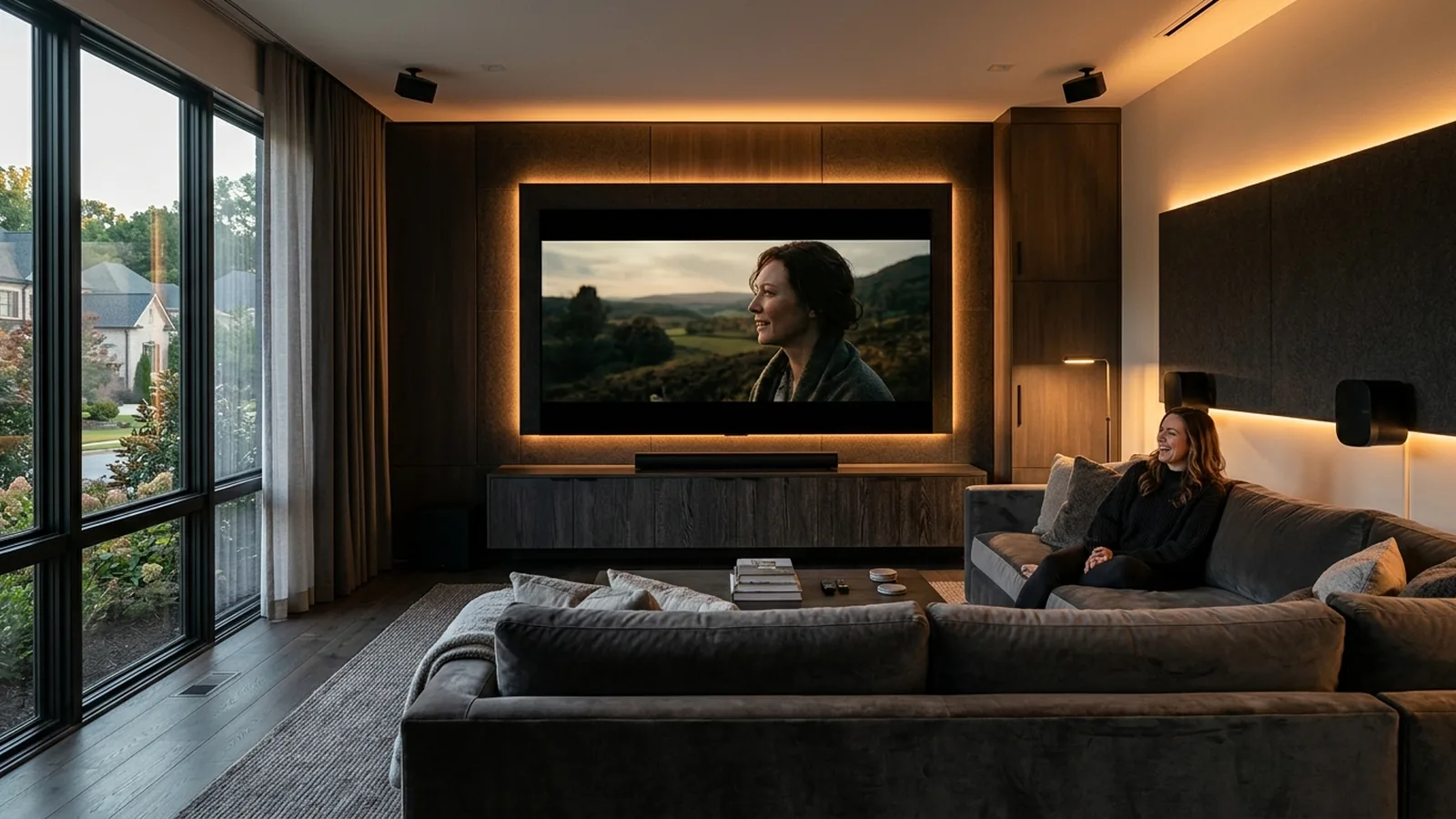
- OLED: each pixel is its own light. Perfect blacks, best contrast, best picture in a dim room. The premium choice for a home theater or dedicated media room.
- Mini-LED: a step between QLED and OLED. Very bright with better local dimming than regular QLED. Newer, worth considering.
Rule of thumb: bright room, prioritize brightness (QLED or mini-LED). Dim room or controlled lighting, OLED wins.
Refresh Rate, HDR, and What Actually Matters
Refresh rate (Hz) is how many times per second the picture updates. 60Hz is standard. 120Hz is smoother for sports and gaming. Movies are almost always shot at 24fps and do not need more than 60Hz to look great.
HDR (High Dynamic Range) is the picture format that gives you deeper blacks and brighter highlights. HDR10 is the basic version and every modern TV supports it. Dolby Vision is the premium version that adjusts scene by scene. For movies and streaming, Dolby Vision is worth the price bump.
- Sports and news: prioritize brightness, 120Hz, and motion handling.
- Movies: prioritize contrast, black levels, and Dolby Vision.
- Gaming: prioritize 120Hz, HDMI 2.1, and low input lag.
Ports and Future-Proofing
- HDMI 2.1: needed if you have or plan a PS5, Xbox Series X, or a high-refresh gaming PC. Look for at least two HDMI 2.1 ports.
- ARC / eARC: lets a single HDMI cable send video to the TV and audio back to a soundbar or receiver. eARC is the upgraded version and supports higher-quality audio formats like Dolby Atmos.
- Number of HDMI inputs: for most homes, four is the sweet spot. Streamer, cable box, one gaming console, one flex input for guests.
- Optical audio: older audio devices still need it. If your soundbar or receiver already has HDMI eARC, you can skip it.
Mounting Considerations Most People Forget
Before you buy the TV, walk to the wall you plan to mount on and check:
- VESA pattern. The spacing of the mounting holes on the back of the TV. Most modern TVs use 200x200, 400x400, or 600x400. Match your mount to your TV.
- Weight. Every mount is rated for a maximum weight. Your TV plus its mount cannot exceed it.
- Wall type. Drywall with wooden studs is easiest. Brick, stone, and tile need masonry anchors. Metal-stud framing (common in newer townhomes) needs specific hardware. Fireplaces are a special case because of heat.
- Outlet location. Is there a power outlet within a few feet of where the TV will hang? If not, either a licensed electrician needs to move it, or you use an in-wall recessed power relocation kit.
- Cord concealment plan. If you want a floating-screen look, plan for in-wall wiring before the TV goes up. Retrofitting later means more drywall work.
Soundbar vs Surround Sound
For 90% of living rooms, a good soundbar with a wireless subwoofer beats built-in TV speakers by miles and gets you 80% of the way to a real home theater experience. Look for models with Dolby Atmos and eARC HDMI.
For a dedicated media room or an enthusiast setup, a 5.1 or 7.1 receiver with separate speakers is a real step up. It is louder, cleaner, and lets you upgrade components individually. It is also more work to install and harder to hide.
Common Mistakes People Make
- Mounting a TV too high above a fireplace. Comfortable eye-level from your primary seat is the target, not 'wherever the wall is empty'.
- Buying a TV before measuring the wall and the viewing distance. A 75-inch TV can look great in one room and wrong in another six feet away.
- Not planning for in-wall power and cord concealment. Buying the TV first and figuring cables out later is the most common regret we see.
- Undersizing the TV. Almost no one wishes they had bought smaller.
- Skipping the mount and using the stand that came in the box. Console-mounted TVs eat visual space and never look as clean as a proper wall mount.
A Short Note on Professional Mounting
Once you have picked the right TV, mounting it correctly is the last step between it being "a big screen on a table" and a floating, cord-free centerpiece of the room. PureShine mounts TVs across Alpharetta and North Atlanta every day, and every mount is backed by our 5-Year Workmanship Guarantee. Whether it is drywall, brick, stone, or a fireplace, we know how to do it right the first time.
Frequently Asked Questions
What size TV is best for a 12-foot viewing distance?
A 75-inch TV is ideal at roughly 9 to 13 feet, which makes it perfect for a standard 12-foot viewing distance in most living rooms.
Is OLED worth the extra money?
Yes if your room has controlled lighting or you watch a lot of movies and streaming. No if the room is very bright during the day, in which case a bright QLED or mini-LED will look better.
Do I really need HDMI 2.1?
Only if you have or plan to add a next-gen gaming console (PS5, Xbox Series X) or a high-refresh gaming PC. For streaming and cable, HDMI 2.0 is enough.
How high should I mount my TV?
The center of the screen should be at eye level from your primary seat, which is usually 42 to 48 inches from the floor. Above a fireplace, a tilting mount helps angle the screen down.
Can I mount a TV on a brick fireplace?
Yes, using masonry anchors rated for the load. In-wall cord concealment is not possible on brick, so a slim paintable raceway or an in-wall power relocation kit is used to hide cables.
Should I buy the TV first or plan the mount first?
Plan the wall first. Confirm the wall type, viewing distance, outlet position, and cord path. Then choose the TV size that fits. Buying in that order avoids every common regret.
Ready for a flawless, cord-free install?
PureShine mounts TVs across Alpharetta and North Atlanta — every job backed by our 5-Year Workmanship Guarantee.
Book Your TV Mounting ServiceThe PureShine Team
TV Mounting & Handyman Specialists
PureShine Handyman Services is Alpharetta's premium TV mounting and handyman team, serving homeowners across North Atlanta with installs backed by the only 5-Year Workmanship Guarantee in the area.