Home Theater Setup in Alpharetta: A Simple, No-Fluff Guide
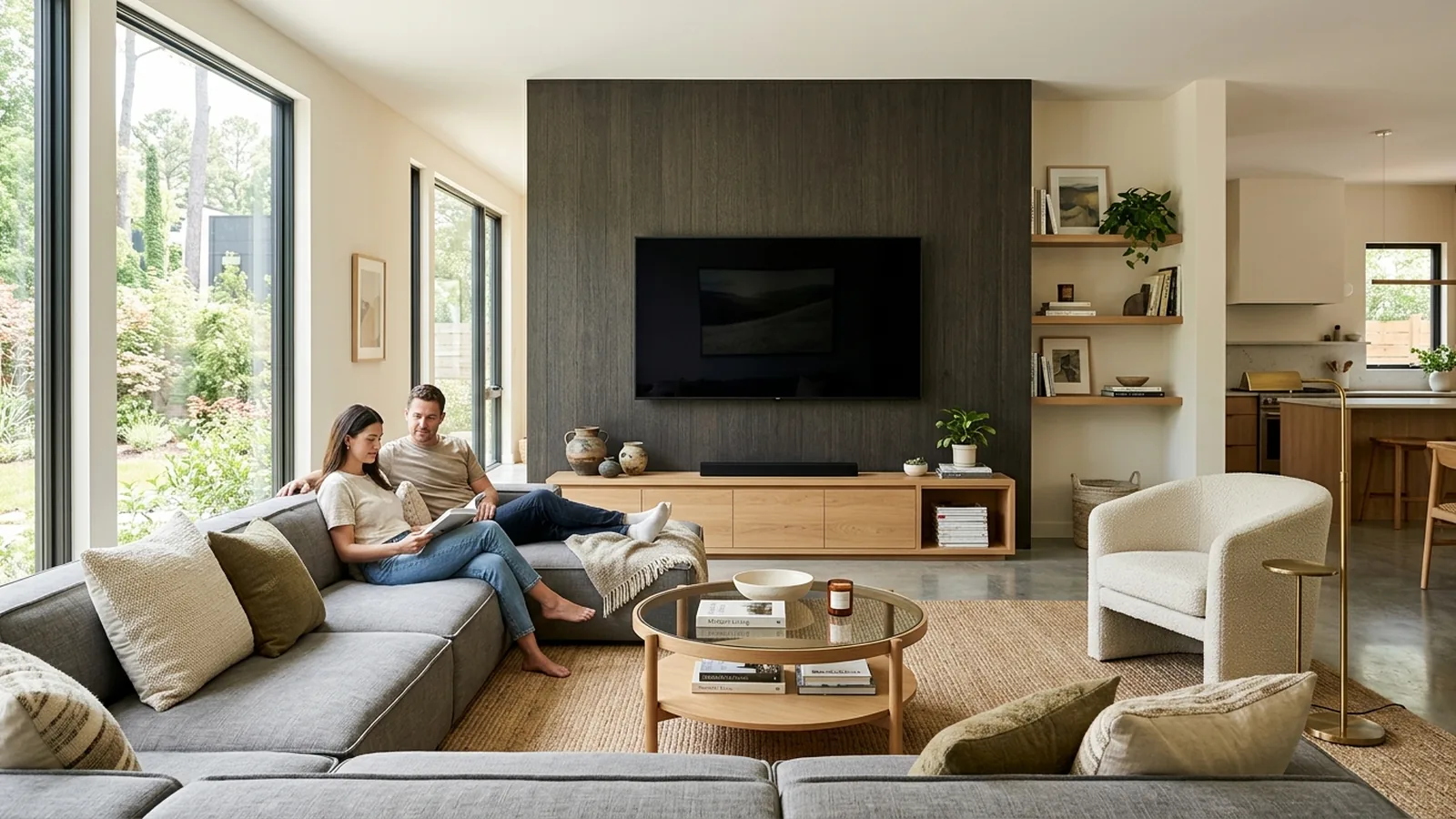
You bought the TV, the receiver, a soundbar (or maybe a set of surround speakers), and now there is a stack of boxes in your living room and no obvious place to start. A great home theater setup in Alpharetta comes down to a handful of decisions made in the right order, and this guide walks through them like a neighbor who does this every week.
What a Real Home Theater Setup Includes
A home theater is more than a big TV. A proper install ties together five things: the display, the audio system, the seating position, the wiring, and the source devices that feed everything else. When those pieces are matched to the room and to each other, the whole thing looks and sounds effortless. When they are not, you get a screen you sit too close to, speakers pointed the wrong way, and a rat's nest of cables you have to duck behind every time you swap a device.
The order matters. Pick the room first. Size the screen to the room, not the other way around. Place the seating. Then decide the audio. Then plan the wiring. Then place the source devices somewhere accessible but out of sight. Skip a step and you end up rebuying something later.
Choosing the Right Room and Screen Size
The room drives everything. Measure the distance from your primary seat to the wall where the TV will go, then let that number size the TV. Most people undersize their TV. A 65-inch feels huge on a spec sheet and normal in a real living room.
| Screen size | Ideal viewing distance | Room type |
|---|---|---|
| 55" | 7 to 9 feet | Bedroom or apartment |
| 65" | 8 to 11 feet | Standard living room |
| 75" | 9 to 13 feet | Large living room |
| 85" | 10 to 15 feet | Great room / open concept |
| 98" | 12 to 18 feet | Dedicated media room |
Rooms with windows behind or beside the TV need a matte or anti-glare panel. Rooms with a fireplace centered on the main wall may push the TV higher than ideal, which is a common issue we solve with a tilting mount or by moving the TV to a side wall entirely.
Speaker Placement Basics (5.1 vs 7.1, Explained Simply)
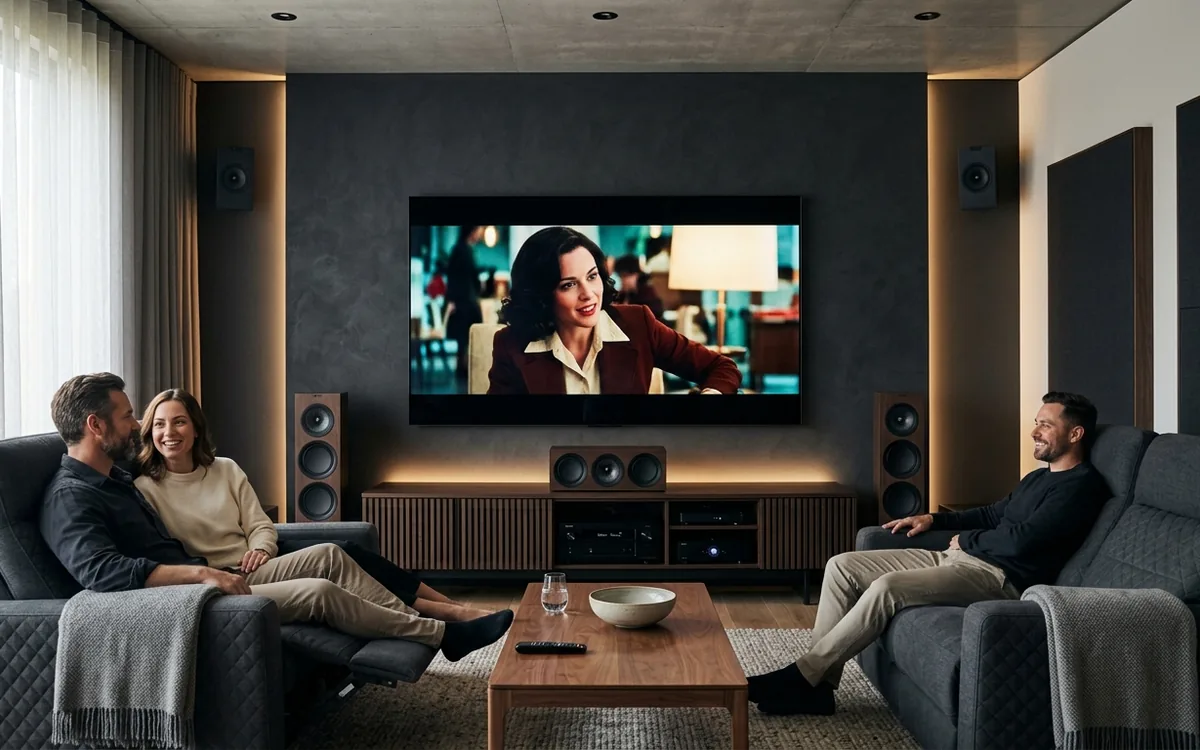
5.1 is the standard: five speakers plus a subwoofer. Left, center, and right across the front, a subwoofer for bass, and two surround speakers behind or to the sides of your seating. It is the sweet spot for almost every living room.
7.1 adds two more speakers behind you, splitting surround into side and rear channels. It matters in bigger media rooms with three rows of seating or deep sofas that leave real space behind the listener. In an average living room, 7.1 is usually overkill.
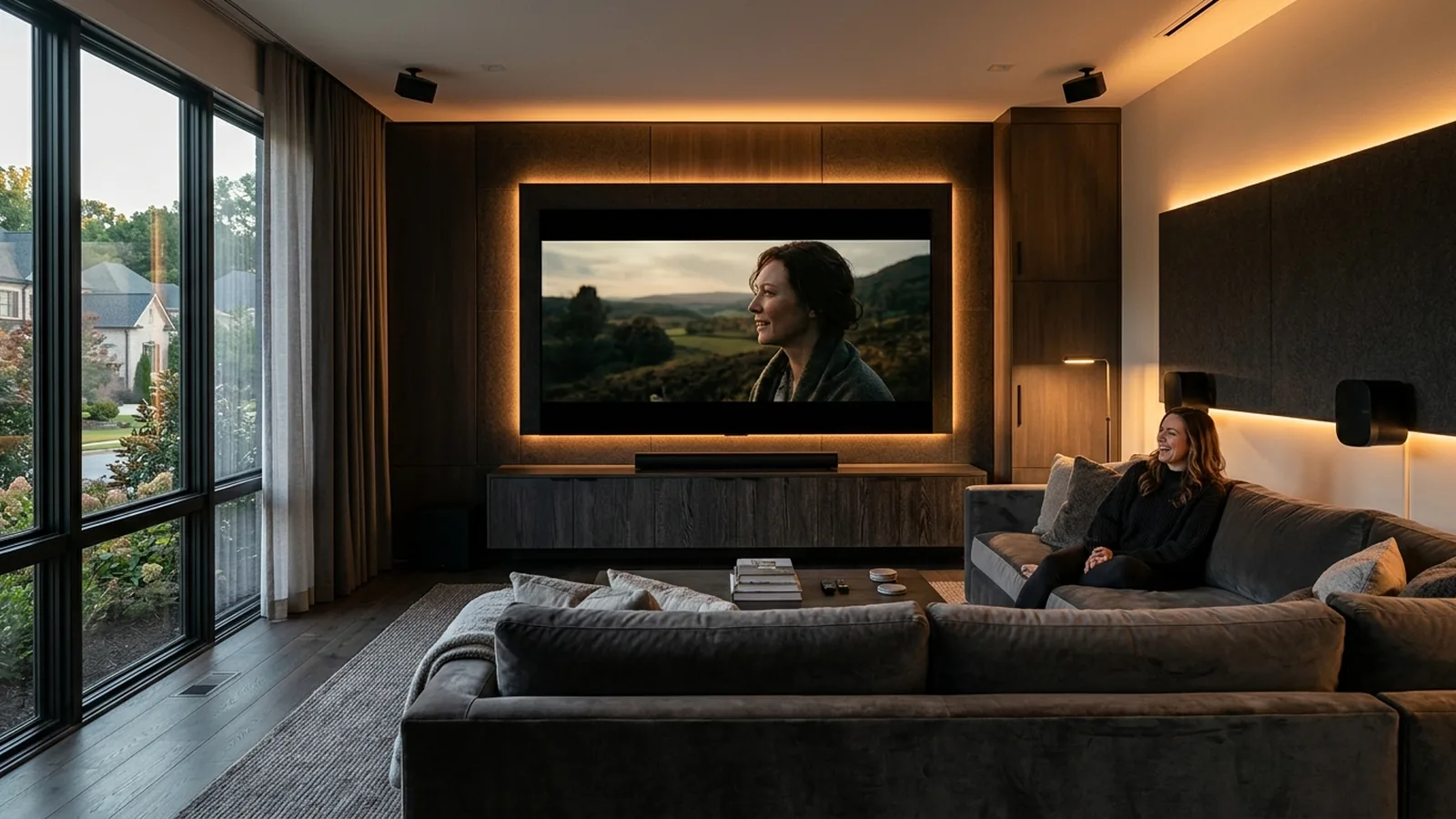
For either setup: keep the center channel directly under or above the screen at ear height, angle the front left and right toward the seating, and place the subwoofer in a corner or along the front wall for the deepest bass. Wall-mounted or in-ceiling surrounds keep the room visually clean.
Wiring and Cord Concealment, Why In-Wall Is Worth It
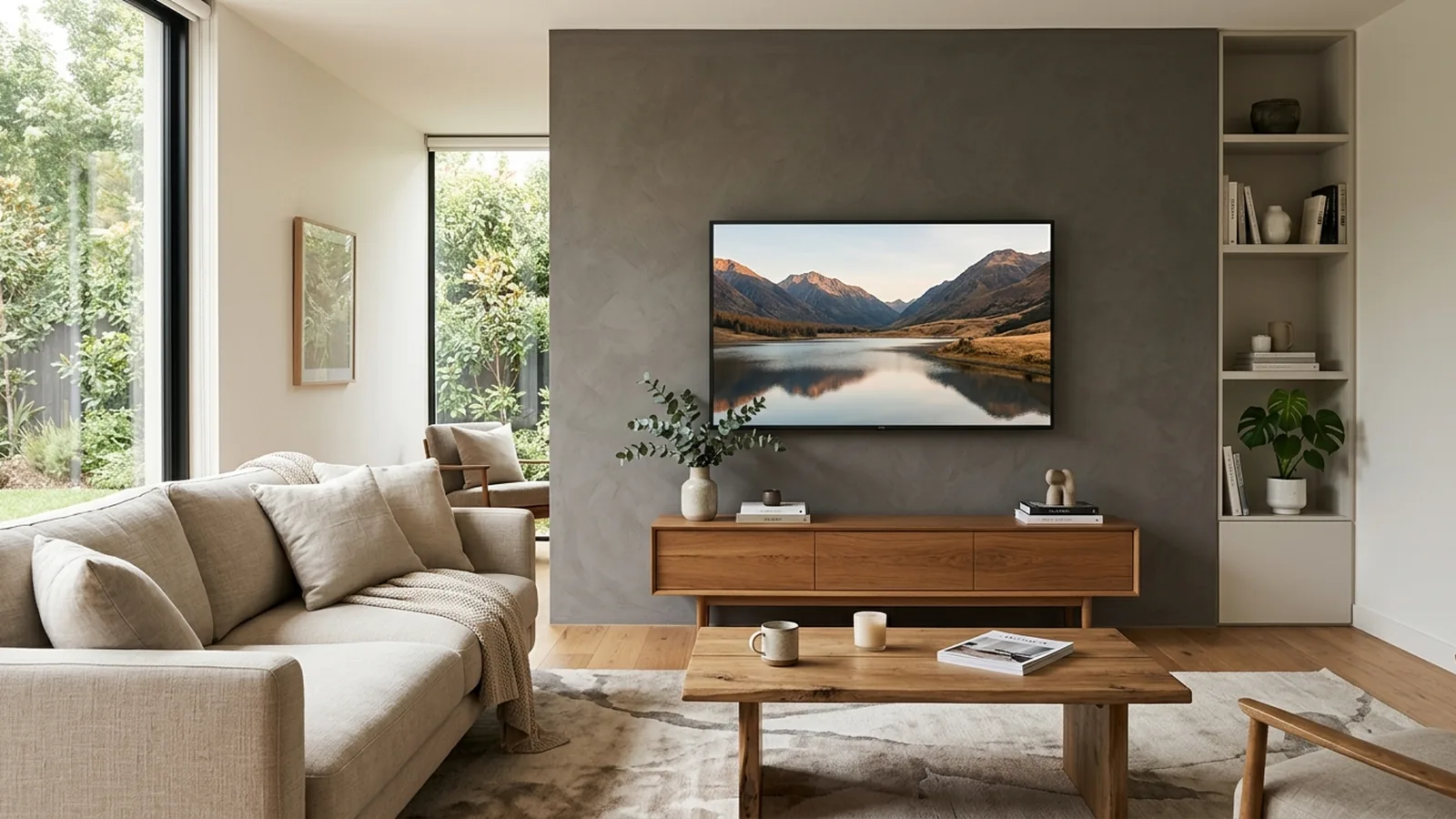
The visible difference between a good install and a great one usually comes down to cables. In-wall wiring routes HDMI, power, and speaker cables inside the wall so the TV looks like it is floating and the speakers are not tethered to visible cords. On brick, stone, or fireplace walls where in-wall routing is not possible, a slim paintable cord and cable concealment raceway is the next best option.
In-wall runs also protect the cables. Cables snaked inside the drywall are not being tugged, pinched, or crushed against furniture. That means the TV keeps its picture, the speakers keep their sound, and you do not end up chasing an intermittent signal problem 18 months later.
DIY vs Hiring a Pro
Honest breakdown: mounting a small-to-medium TV on a drywall wall with visible cords is a reasonable DIY project. Anyone comfortable with a stud finder and a drill can do it in an hour or two. DIY starts to cost more than a pro once any of these are true:
- The TV is 65 inches or larger (heavy, awkward, easy to damage).
- The wall is brick, stone, tile, or over a fireplace.
- You want in-wall wiring or a floating-screen look with no visible cords.
- The install includes surround speakers or a receiver setup.
- You do not already own a good drill, a stud finder, and a level.
Once any of those apply, a bad DIY install starts to eat your budget through wasted mounts, damaged drywall, and, in the worst cases, a dropped TV. A pro install for a full setup usually pays for itself the first time you would have needed to redo something.
What PureShine's Home Theater Installation Includes
When we do a full home theater installation North Atlanta homeowners hire us for, we handle the whole job end to end:
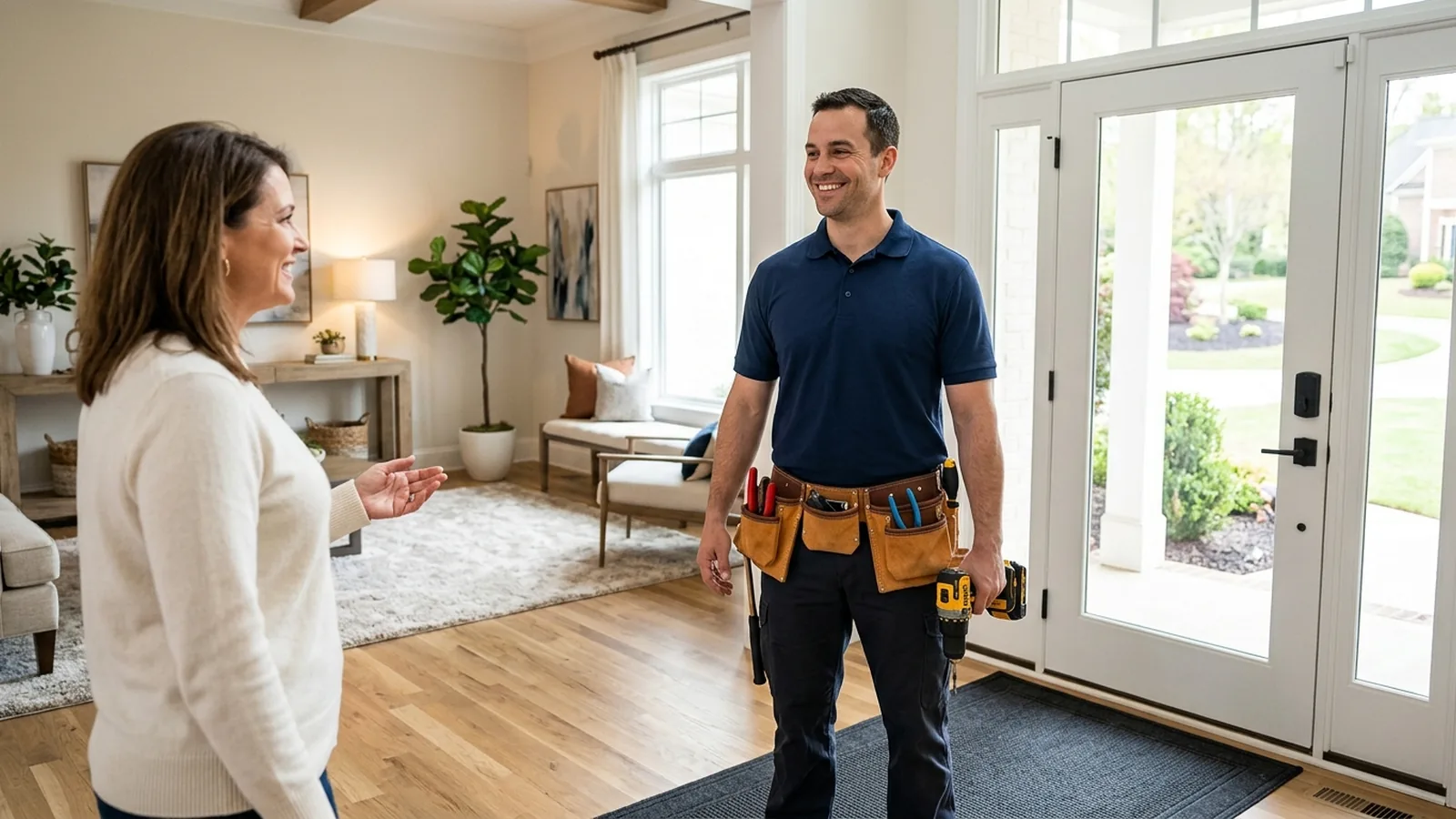
- Site walk with the homeowner to confirm the seating position, viewing angle, and cable path.
- Mount selection sized for the TV and wall type, level installation into wall studs or code-safe anchors.
- In-wall cable concealment for HDMI, power (via a code-safe recessed power kit), and speaker wire.
- Speaker placement, mounting, and receiver setup in 5.1 or 7.1.
- Full source device connection: Apple TV, Roku, gaming consoles, cable boxes, streamer configuration.
- Sound calibration and a picture setup pass on the TV.
- A clean walk-through so the homeowner leaves knowing how to actually use it.
Every install is backed by our 5-Year Workmanship Guarantee. If any part of what we installed shifts, loosens, or fails because of how we mounted it, we come back and make it right at no cost. That is the guarantee that separates a real home theater setup Alpharetta homeowners can trust from a one-time gig. Explore every install we offer on our services page.
Frequently Asked Questions
How long does a home theater installation take?
A typical home theater installation in North Atlanta takes 3 to 5 hours for a TV plus soundbar and cord concealment, and a full day for a 5.1 or 7.1 system with in-wall wiring and speaker mounting. We give you an exact window when we quote the job.
Can you install a home theater in a room with a brick fireplace?
Yes. We install into brick, stone, and tile every week using masonry anchors rated for the load. Cords are concealed with a slim paintable raceway when in-wall routing is not possible.
What is the difference between 5.1 and 7.1 surround sound?
5.1 uses 5 speakers plus a subwoofer and is ideal for most living rooms. 7.1 adds 2 more rear speakers and is better for larger media rooms with multiple rows of seating.
Do I need a receiver or is a soundbar enough?
A soundbar is enough for most living rooms and is much easier to install. A receiver plus separate speakers is the right call when you have a dedicated media room, want true surround sound, or plan to connect multiple audio sources.
How much does a full home theater setup cost?
A soundbar plus TV mount install starts around a few hundred dollars. A full 5.1 setup with in-wall wiring, speaker mounting, and receiver setup runs higher depending on room size and finish. We provide a flat-rate quote after a short call so there are no surprises.
Ready for a flawless, cord-free install?
PureShine mounts TVs across Alpharetta and North Atlanta — every job backed by our 5-Year Workmanship Guarantee.
Book Your TV Mounting ServiceThe PureShine Team
TV Mounting & Handyman Specialists
PureShine Handyman Services is Alpharetta's premium TV mounting and handyman team, serving homeowners across North Atlanta with installs backed by the only 5-Year Workmanship Guarantee in the area.